annesolutionsph

Thank you for your payment!
Congratulations on Purchasing the
DFY All-In-Bundle
PLEASE READ EVERYTHING CAREFULLY!
AnneSolutionsPH grants you Private Label Rights (PLR) and Master Resell Rights (MRR). You have the freedom to use, modify, and resell all the products in this page as your own. This means you can confidently enter the digital product market without worrying about legal restrictions. But I put a section on which digital products that are just for personal use only.
For any questions, DM me on Instagram: @annesolutionsph and I'll be happy to assist and guide you.
Raket.PH Mini Course
Step 1:
1. Click this Raket.PH Mini Course
2. Answer all the questions and refer my name if they needed it. (Anne Baes/@annesolutionsph)
3. If rejected, message me so I can message them.
4. Do not sell below PHP 999.
Step 2:
Join our community GC on telegram (download it on apps) so you can be updated and ask questions right from here.
Step 3:
Here are my personal freebies for you!
BusyBooks Creation
Step 1:
1. Click this BusyBooks Creation
4. Do not sell below PHP 999.
Step 2:
Join our community GC on telegram (download it on apps) so you can be updated and ask questions right from here.
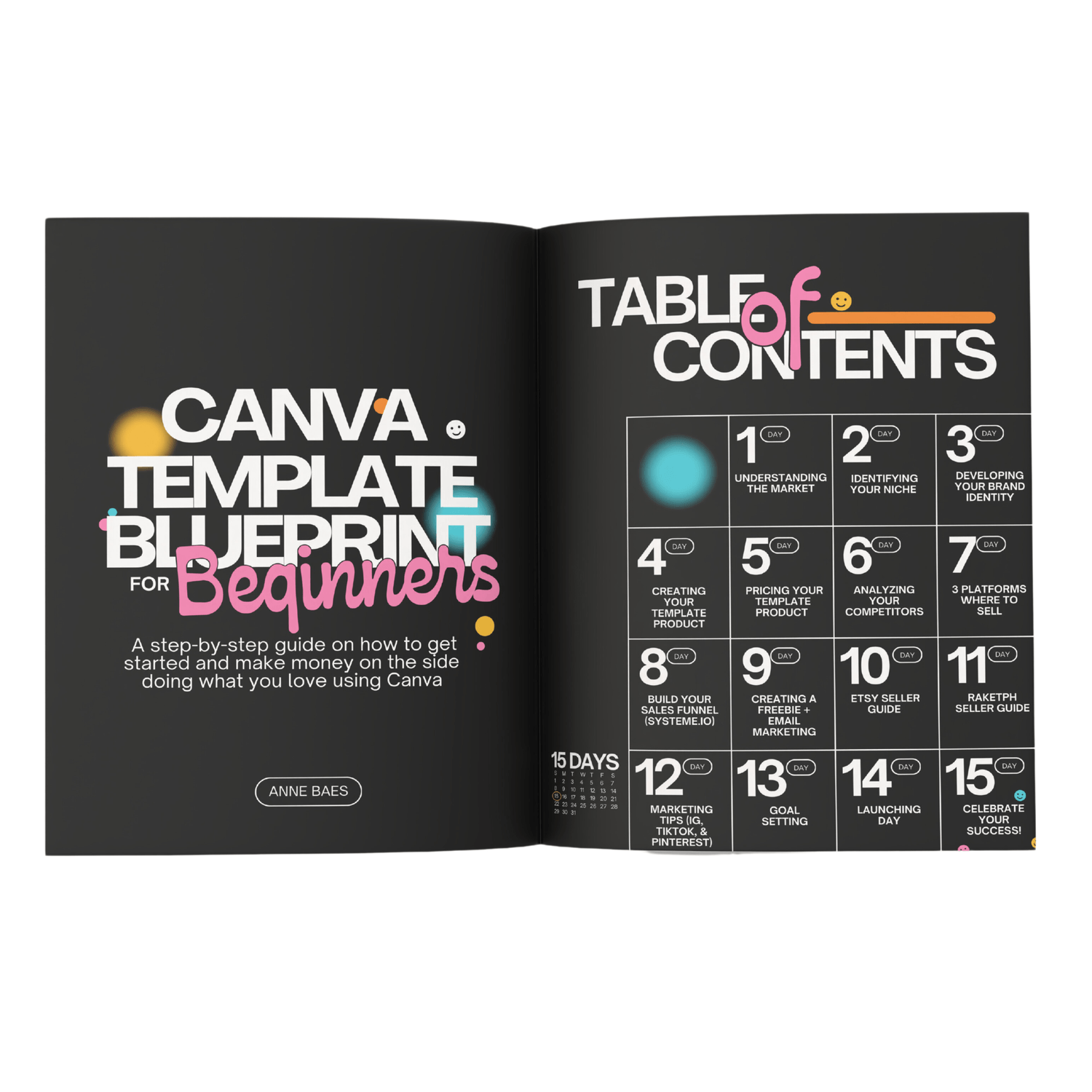
Step 1: Learning Phase for 15 Day Guide Canva Template Blueprint
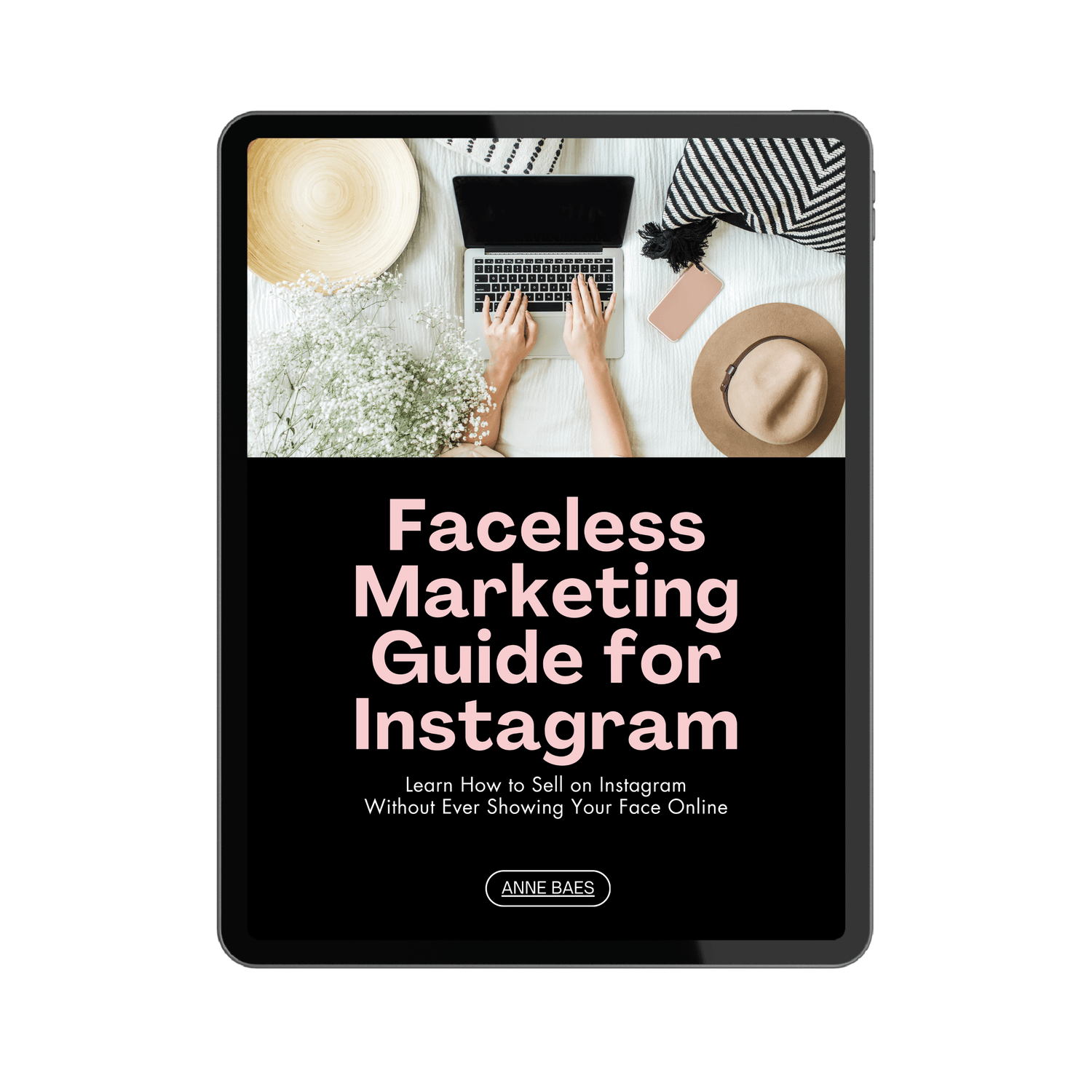
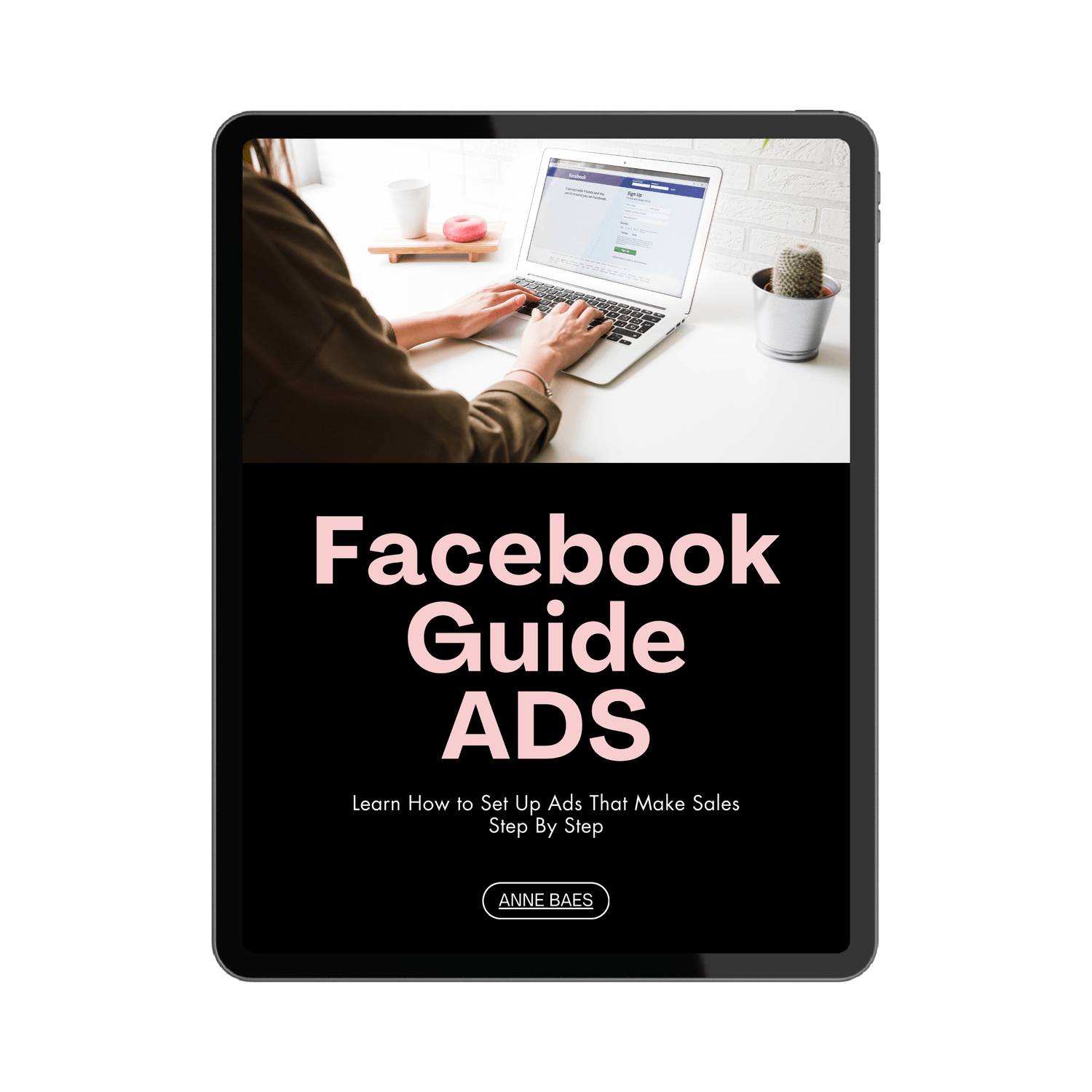
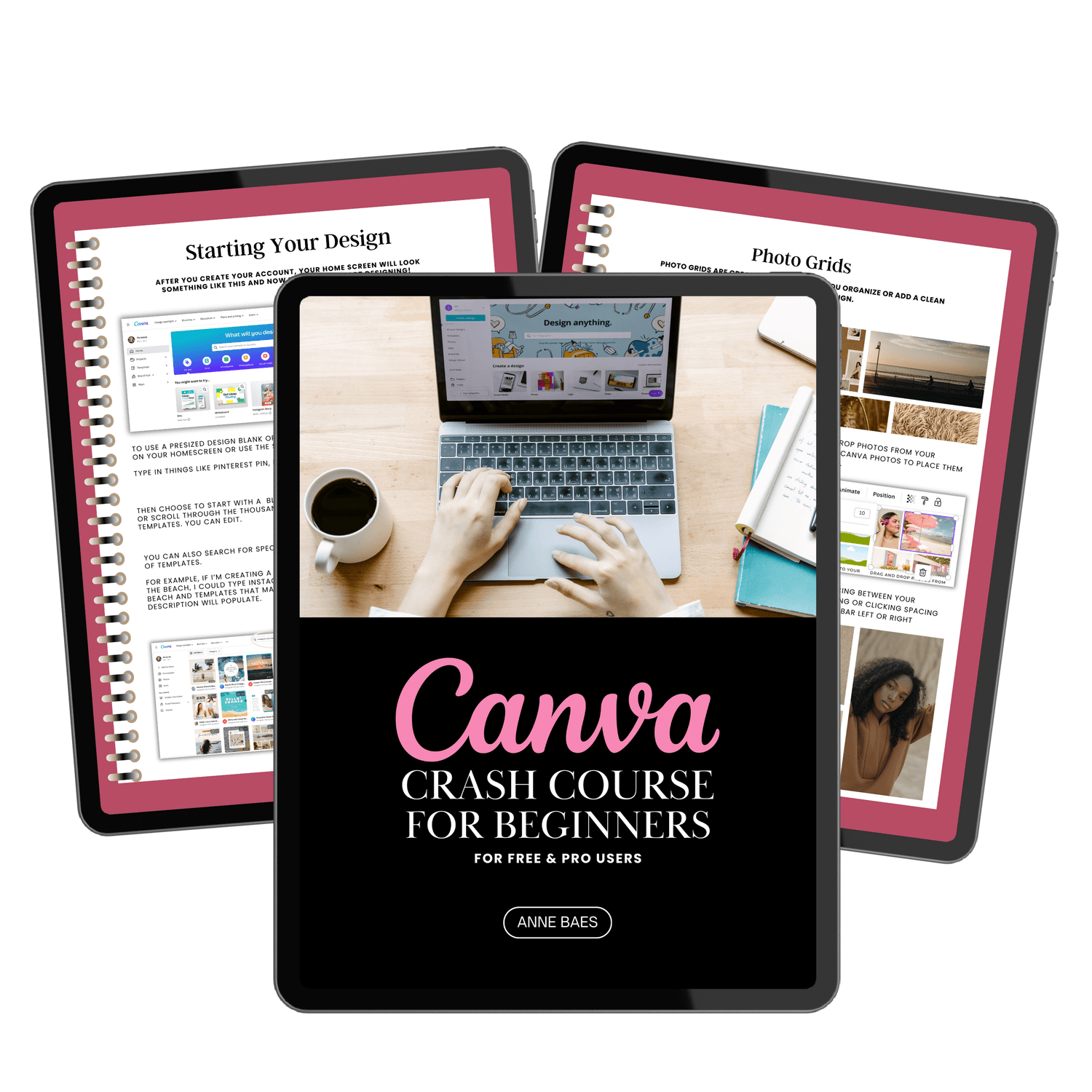
Read and study all the 4 resources below. Click the buttons below each Ebook and make your own copy of each in Canva. If you wish to download a course as a PDF, please follow the instructions here.
Start with the Canva Template Blueprint for Beginners. Once you're done studying, proceed with the Faceless Marketing Guide for Instagram, then Facebook Ads Guide then the Canva Crash Course.
Step 2: Creative Phase
If you have decided to create your own Canva Template, Ebook, or digital product based on your chosen niche or expertise, then your next step is the CreationPhase.
Start creating your product by implementing the strategies and techniques you've acquired from the Canva Template Blueprint.
But if you want to resell the blueprint, then your second step is the Creative Phase.
It is time for you to rebrand. Once you are done studying all the blueprint above, you can now start editing the Ebook guides to your own branding in Canva. You will do an Ebook makeover! Change the design of the Ebooks based on your own aesthetic. Make sure to read the Ebooks carefully because some pages are written based on my personal experience. Also, some links will direct you to my works, so you have to replace them with yours.
Step 3: System Set Up Phase or Canva Website
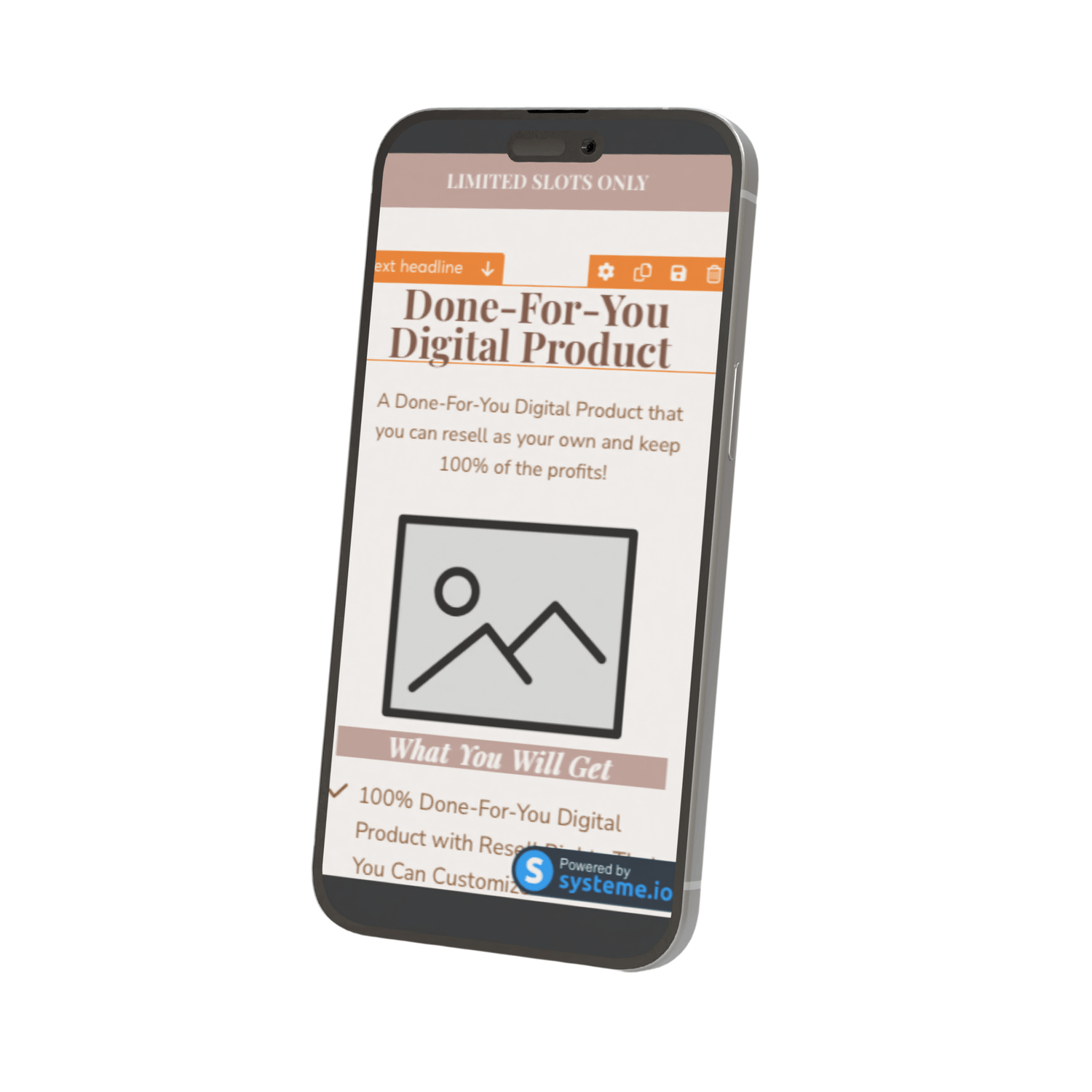
Set up your simple website using Systeme.io, Canva, or any of your preferred Platforms (I use Systeme.io because of its amazing features and automations. You can start your unlimited free trial here).
If you want to list your products in Ecommerce platforms, you can create accounts in RaketPH (for Filipinos), Etsy, Stan Store, Gumroad or other systems you prefer.
Don't worry you don't need to start from scratch creating your sales funnel because I created and design one already. Just curate it based on your branding.
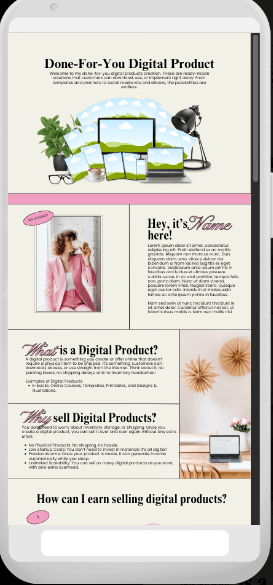
Struggling with Setting Up Your Systeme.io? Here’s a Quick Alternative! 😅
I’ve created a Canva Website Template that’s perfect for your sales page!
IMPORTANT STEPS:
1. Get the template website by tapping the word "CLICK HERE".
2. Once you get the copy, please tap the button "YES, I WANT IT".
I provided an instruction on how you can put your payment details and how to launch the website.
Step 4: Marketing
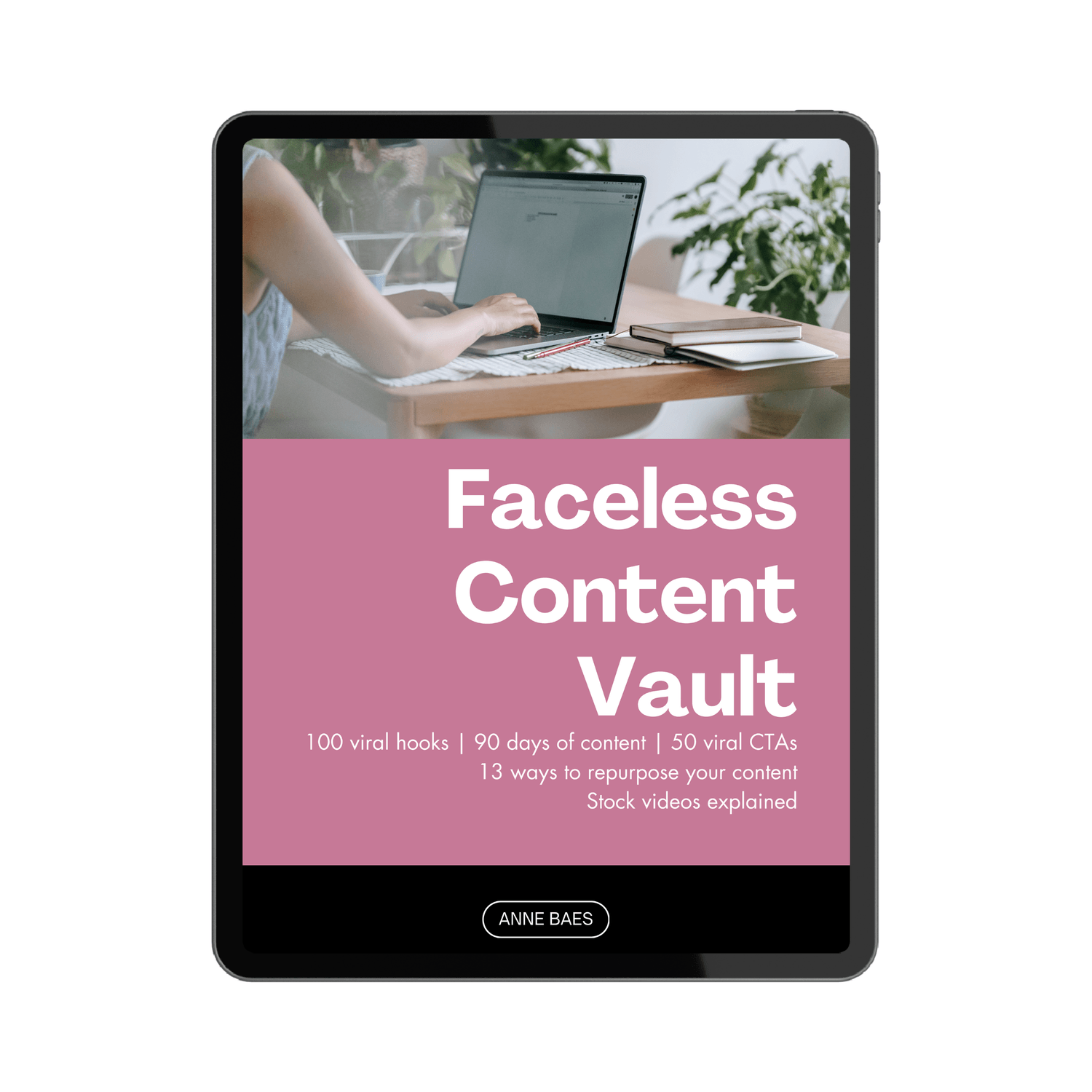
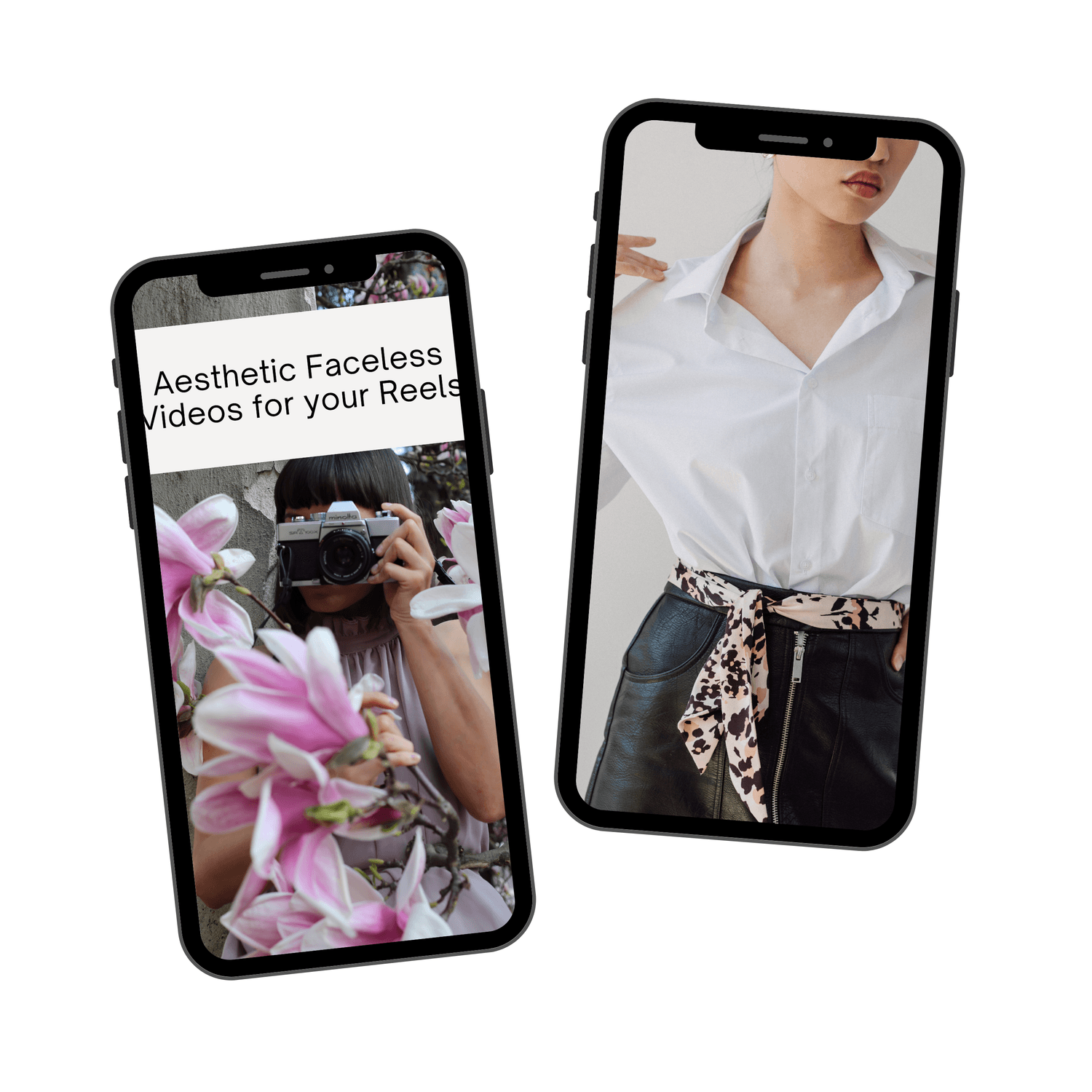
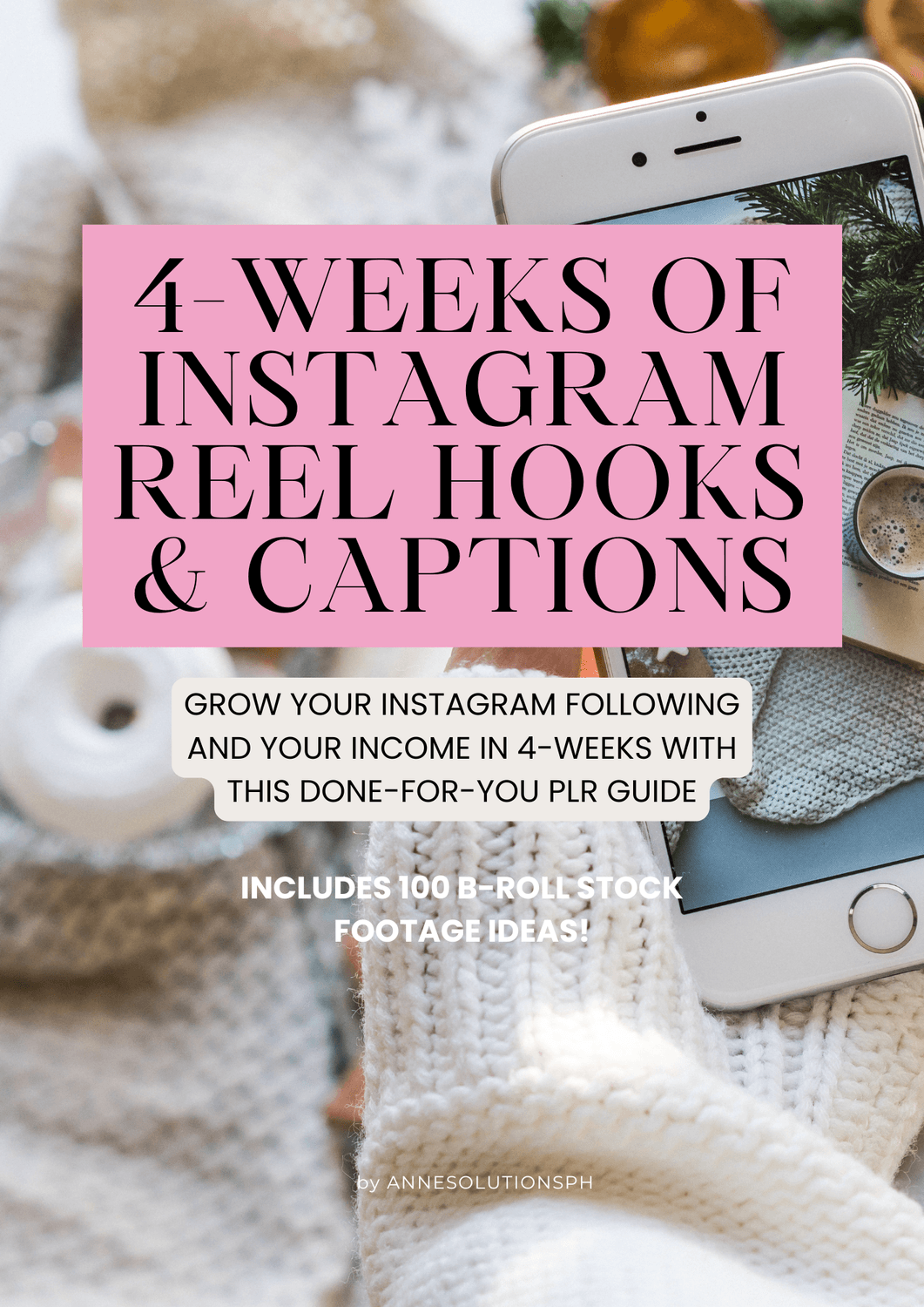
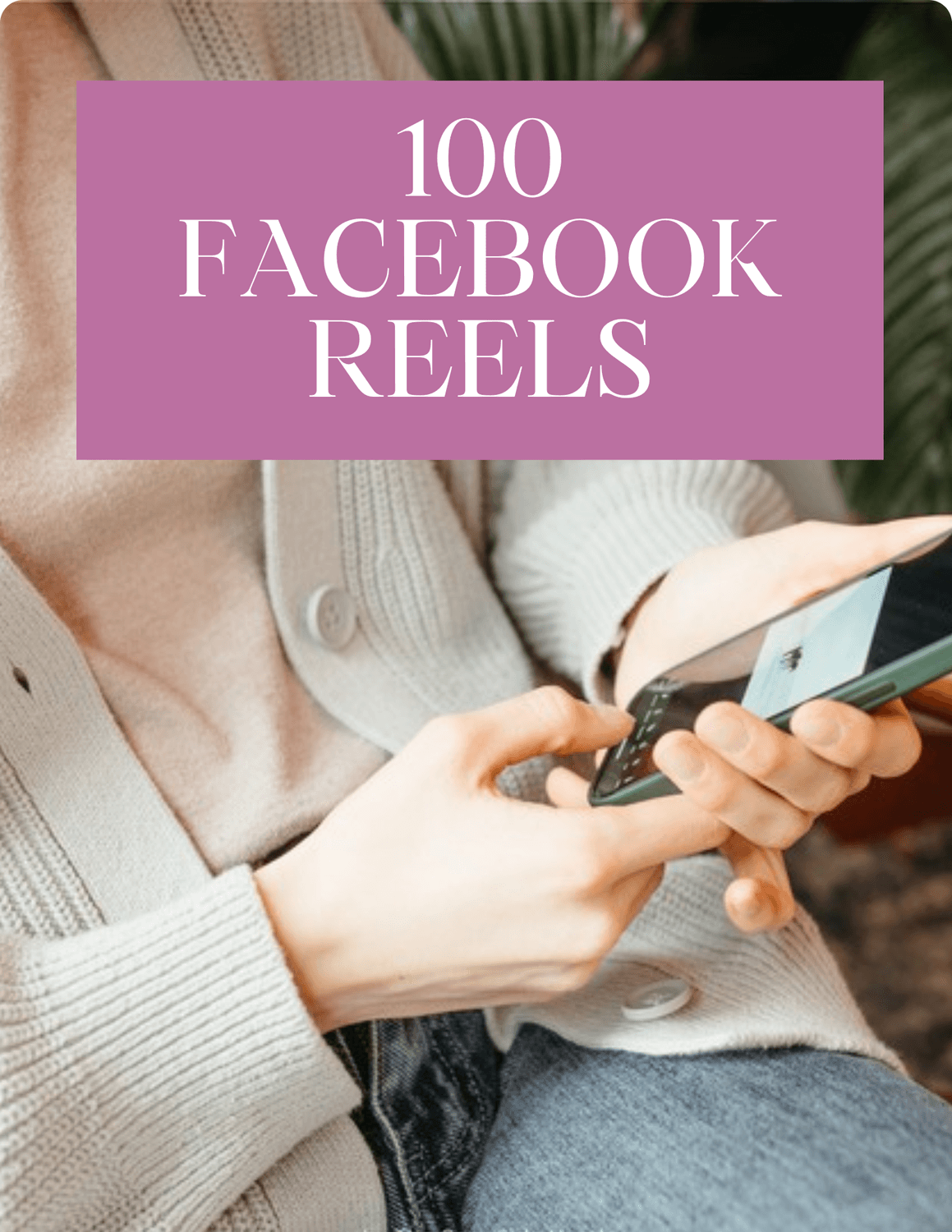
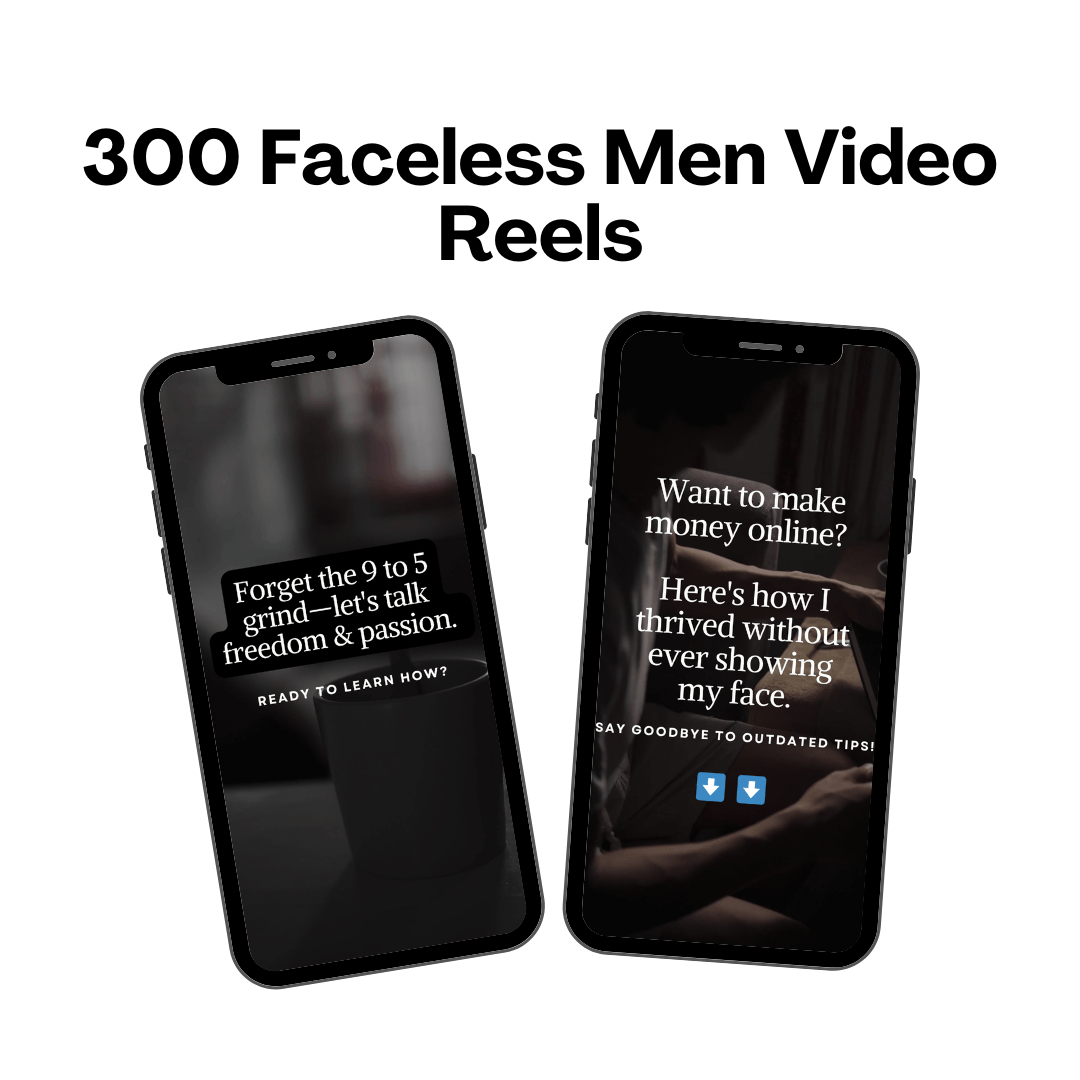
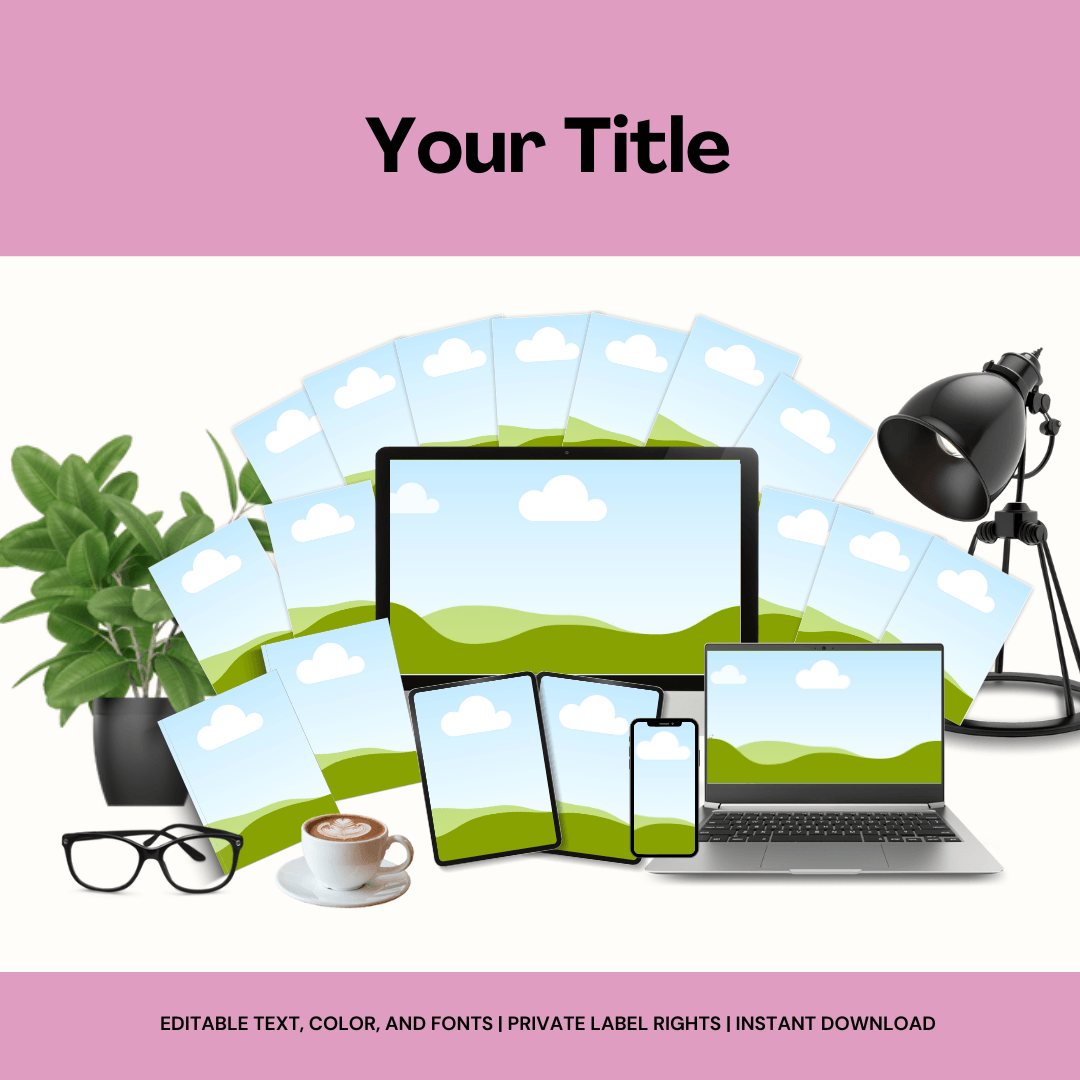
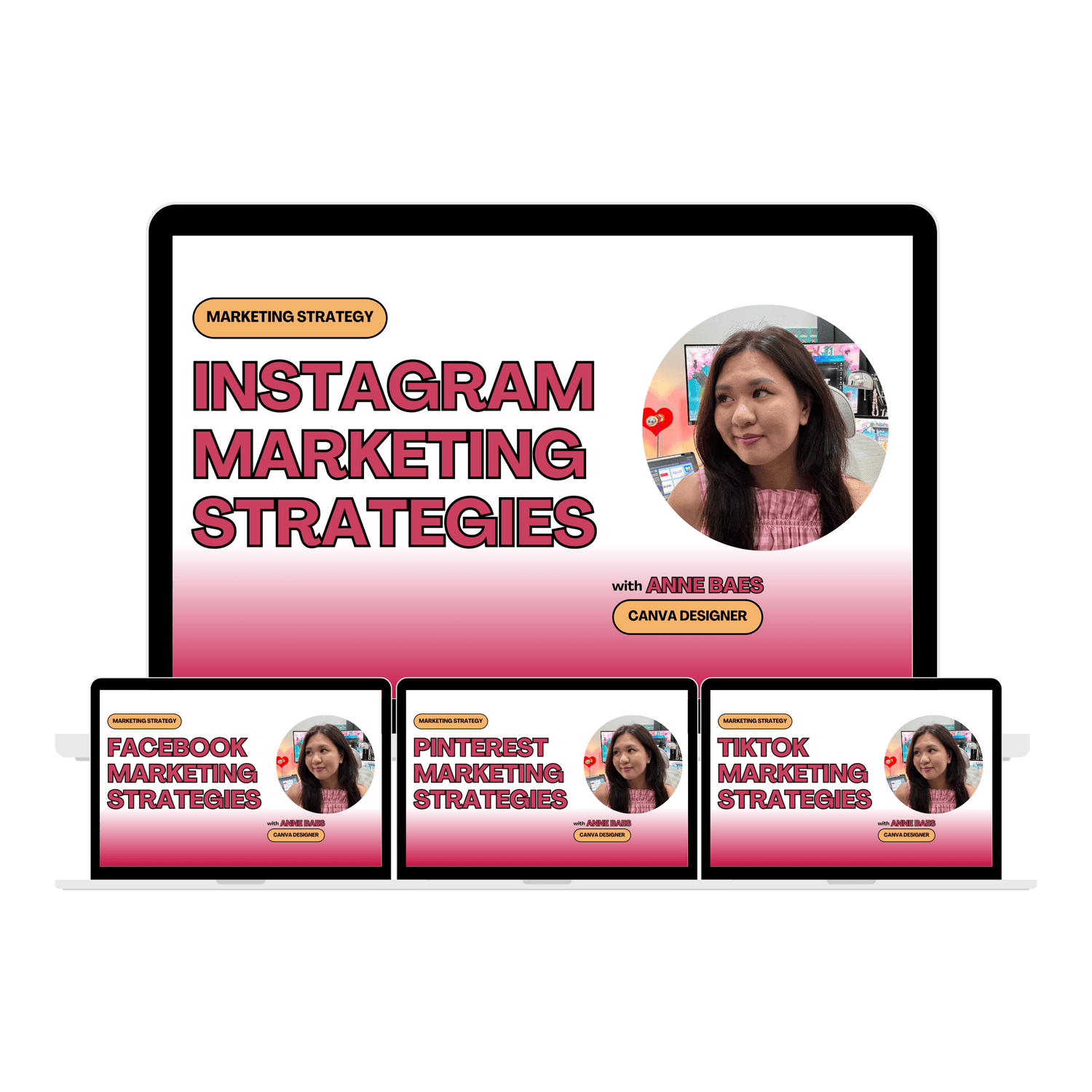
Create your content daily and start selling on your chosen social media platforms (Instagram, TikTok, Facebook etc). If you want to do faceless marketing, you can use these resources below. Use the Canva Mock-up templates to create your product mock ups, and use the Lead Magnet Ebooks to create your Freebie Ebook guides.
You can also use Content cove as its the most trending content bank as of today. Click here to look at their aesthetic stocks.
Freebies
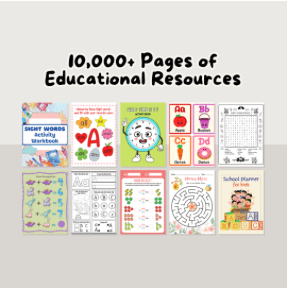
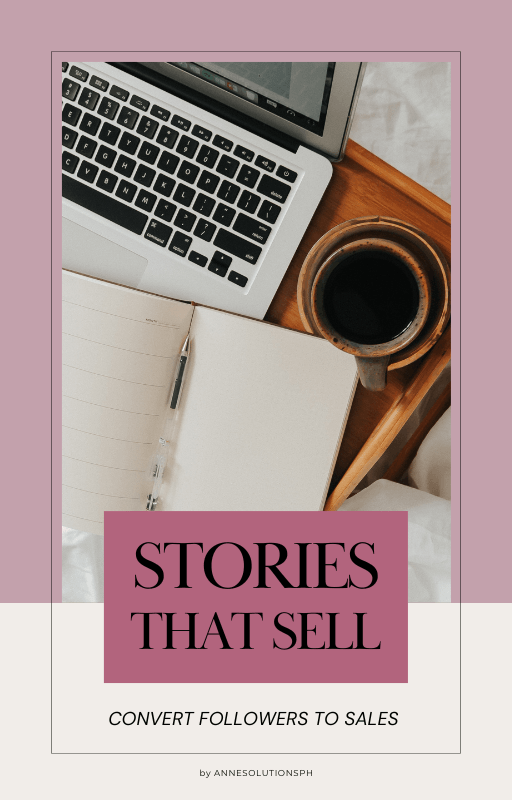
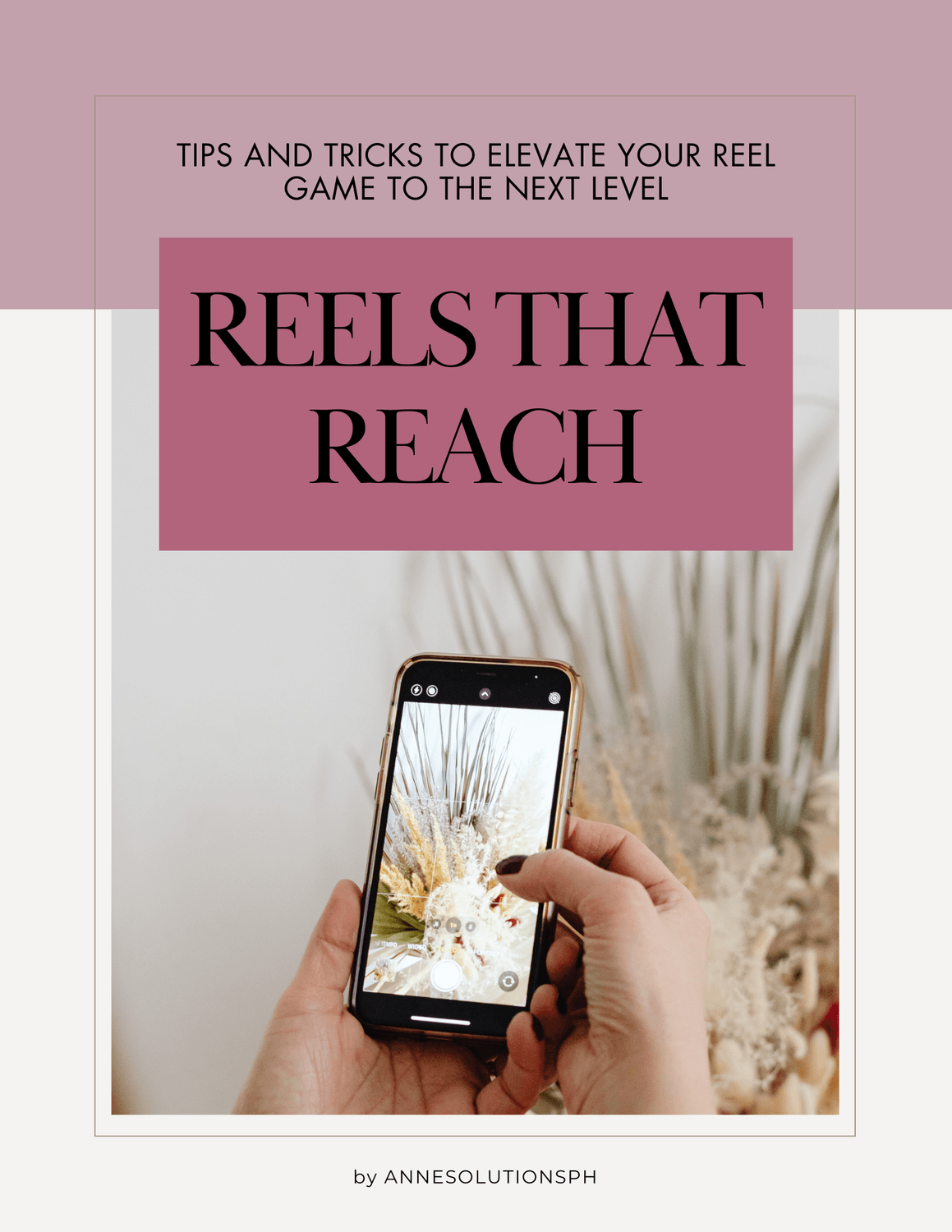
Aside from the blueprint, you can also resell these freebies as an individual or in a bundle - it depends on you! You can also include these freebies inside the blueprint, feel free to use it and be creative on selling these. ☻
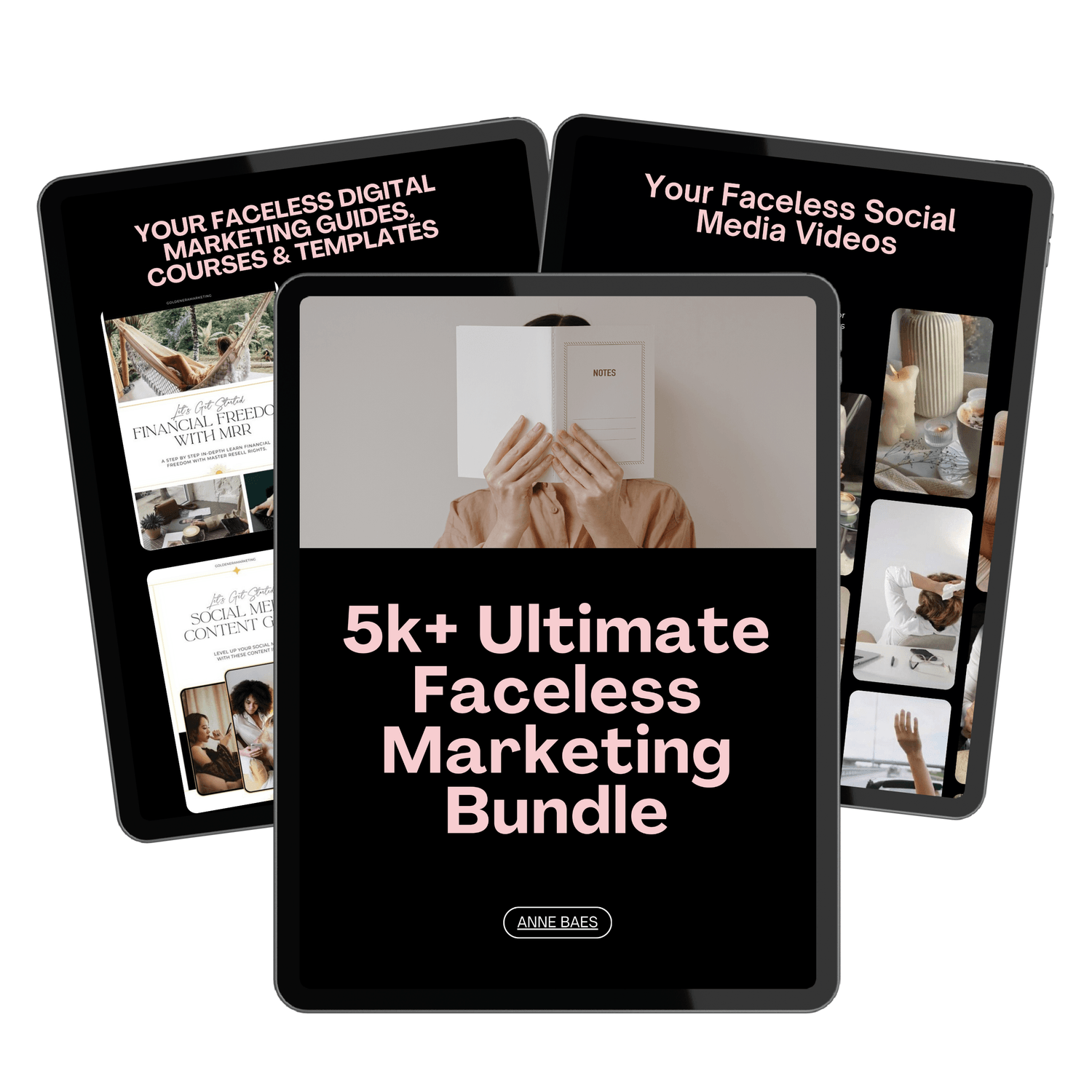
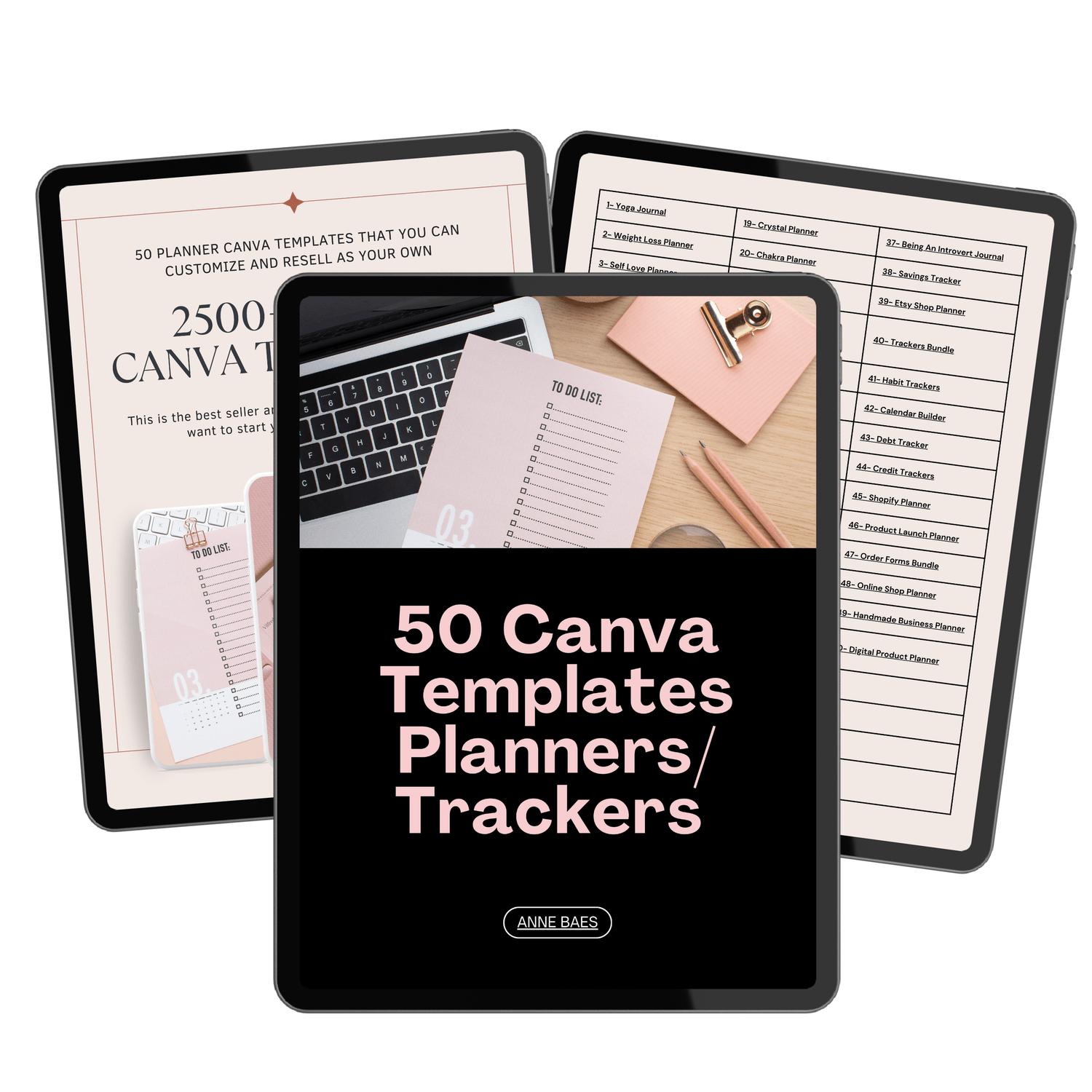
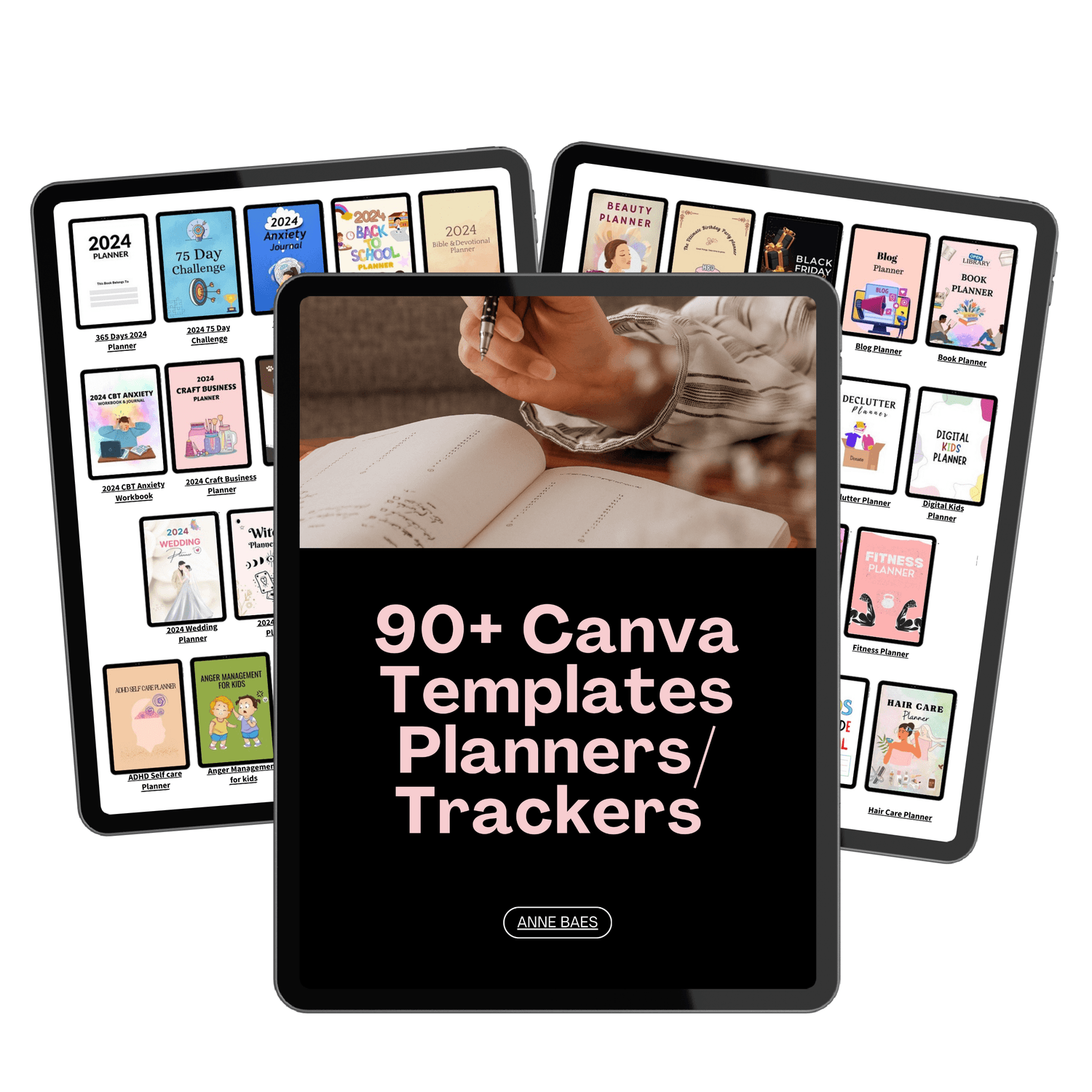

Just to give you an idea of how you can resell this:
Let's say you decided you want to resell the Canva Template Blueprint ₱2499 and you can make just 1 sale/day
Daily income = ₱2499
Monthly income (30 days) = ₱74,970
So just imagine how much you can earn if you can have more than 1 sale/day or if you price it higher!
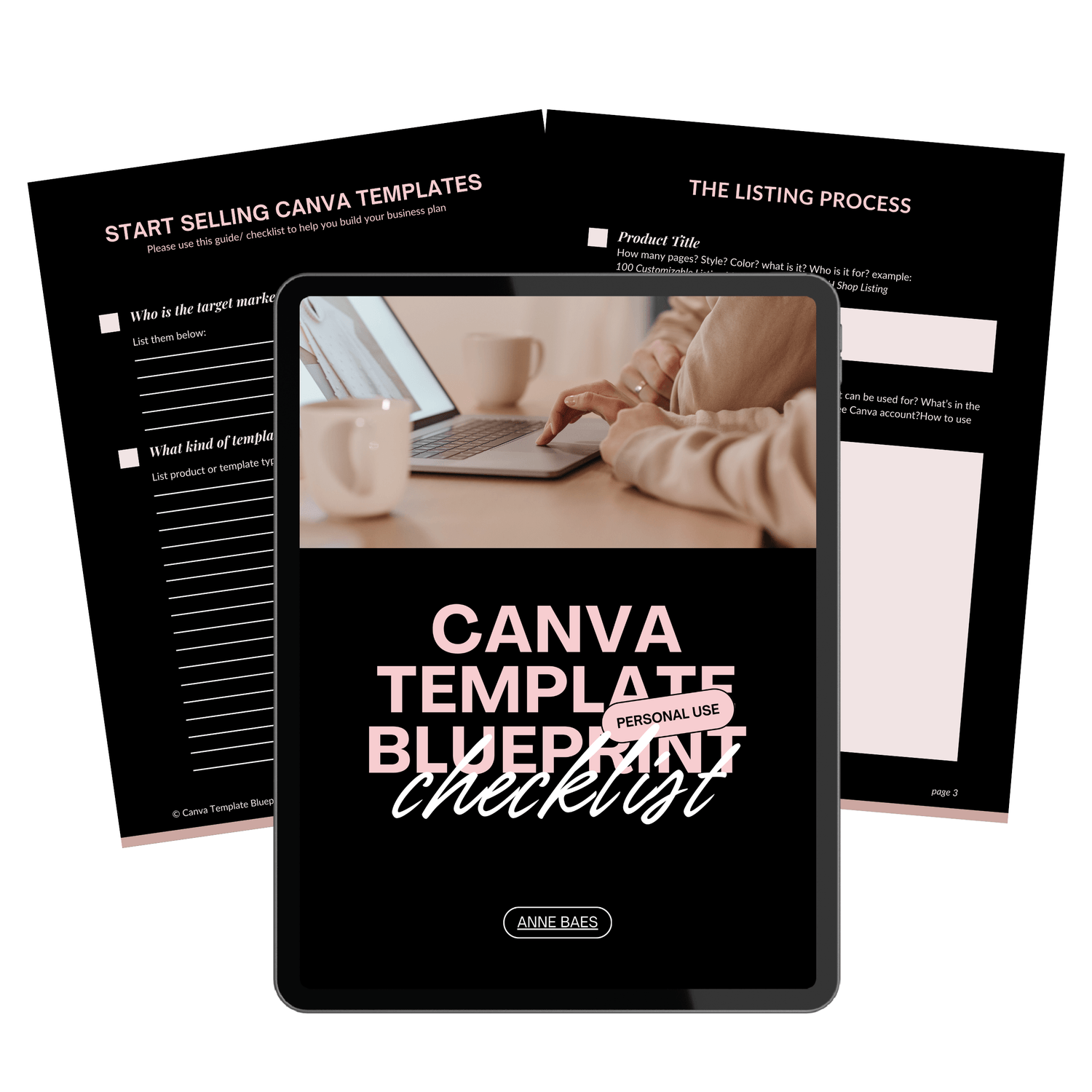
PERSONAL USE ONLY
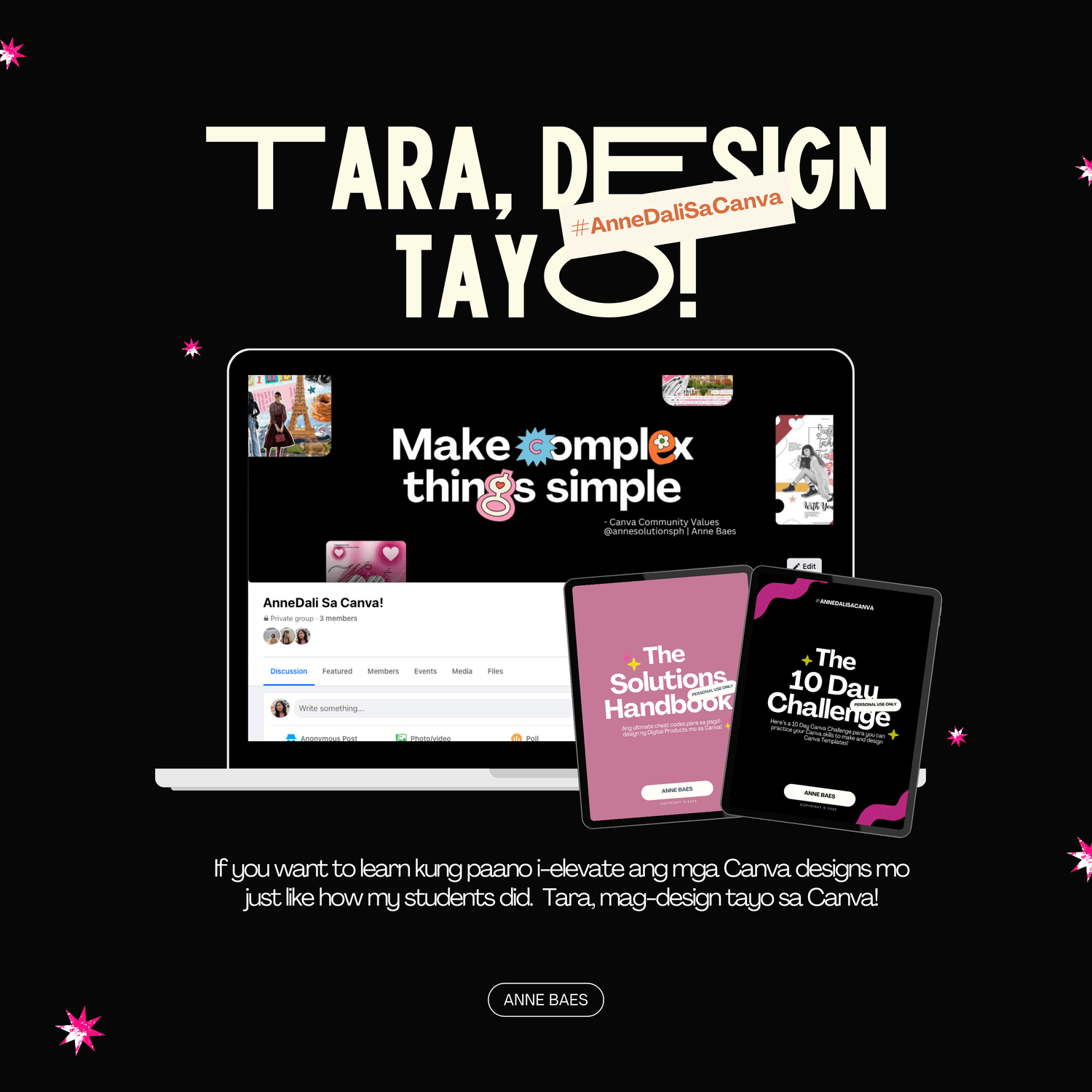
These are for personal use only meaning you cannot sell these on the bundle. You cannot also include these when selling the bundle since this is created and exclusive for you! I made these with love for you. 🩷
Reminder for you ☻
I know it's a bit overwhelming when you are starting especially this is new to you. Just only one lesson a day, okay? Embrace this uncomfortable journey. Celebrate those little wins along the way, and keep pushing ahead. Just enjoy creating and designing on Canva. You got this and I'm rooting for you. May God Bless you!
"Choose consistency over perfection"
© 2024 AnneSolutions Digital Marketing Services